Download CardySync
Create your digital card, scan contact details, and share them easily — all with CardySync.


Free to download · Available on iOS & Android
Features
Everything You Need to Stay Connected
📷
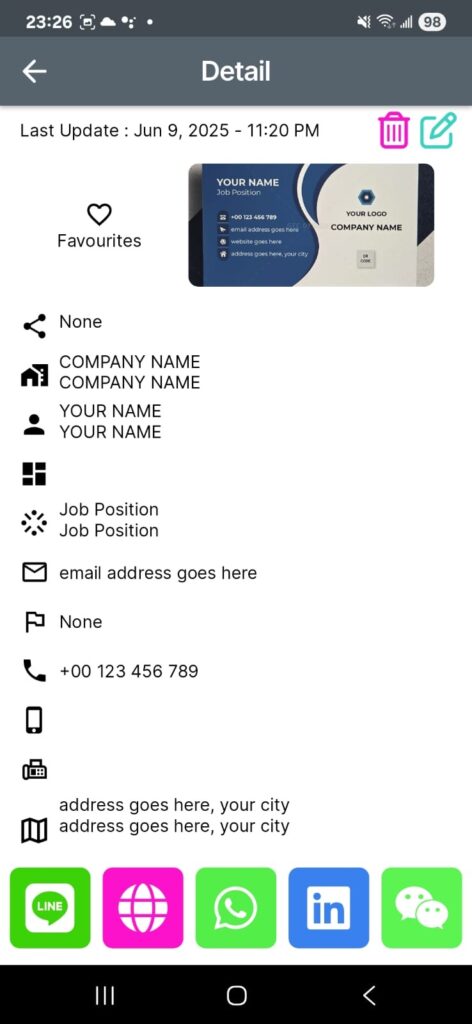
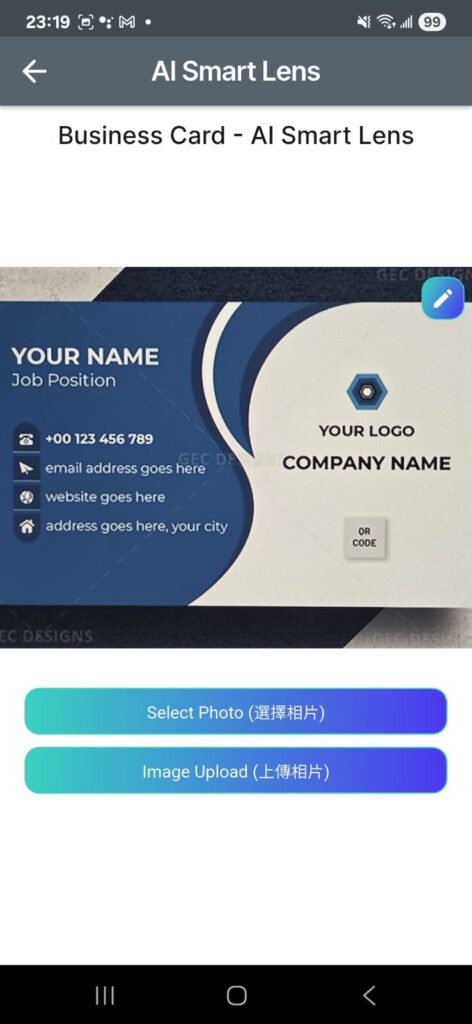
Business card scanning with AI-powered OCR recognition
☁️
Cloud backup and cross-device synchronization
🔍
Quick search for contact information
🗂️
Organize contacts with categories, tags, and favorites
🧠
AI-assisted organization and translation (Chinese, Japanese, English)
🔗
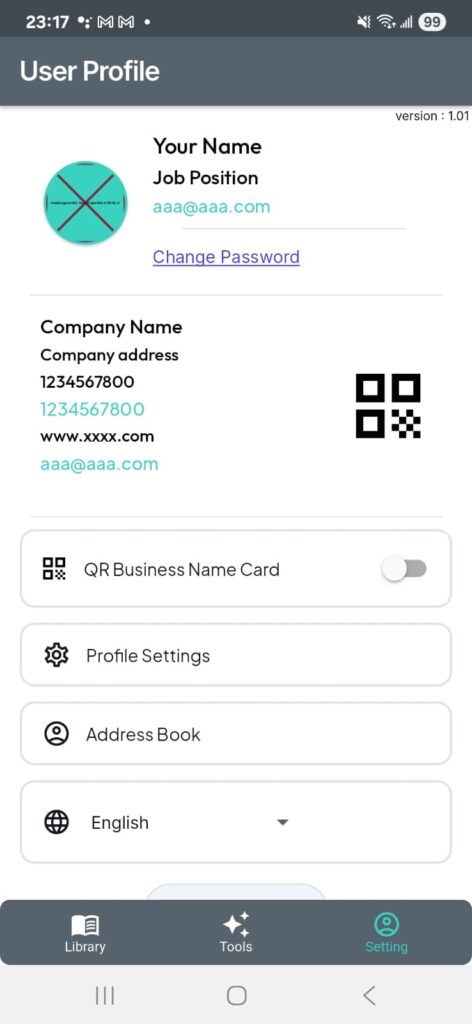
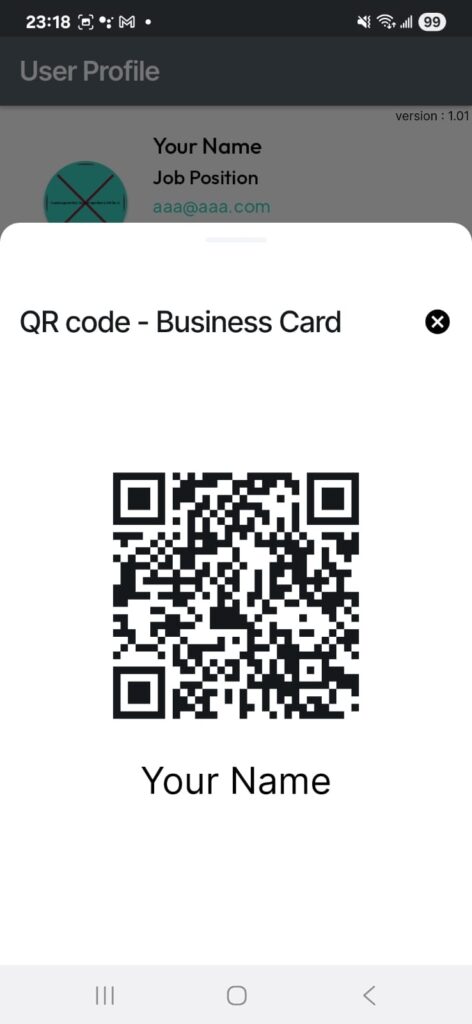
Personal QR Code card feature for easy sharing of your unique profile link
Screenshots
See CardySync in Action
Scan to Download
Point Your Camera, Download Instantly
Scan the QR code with your phone camera
iPhone & iPad
Android
What's New
Latest Updates
v2.68.5
- AI Quick Notes now supports AI Transcribe for voice-to-text note capture
- Added AI Summary to turn a note into clear key-point bullets, with correct AI Credit deduction
- Improved summaries to list real highlights with less filler and fewer missing details
- Improved Android speech recognition stability across languages, including Cantonese, Mandarin, Japanese and Korean
- General stability, usability and performance improvements
v2.68.4
- Quick Notes now supports selecting, linking and removing existing contacts
- Photograph a business card directly from a Quick Note and automatically link the recognized contact
- Improved the note editor layout so contact and business card actions remain accessible while typing
- General stability, usability and performance improvements
v2.68.3
- Quick Notes now sync securely with your CardySync account across supported devices
- Added local draft recovery when the network or cloud service is temporarily unavailable
- Removed Facebook Login from iOS, Android and Web; Google, Apple and email sign-in remain available
- Improved Quick Notes reliability and account security
v2.68.2
- Added Quick Notes for creating, editing and deleting notes on mobile
- Quick Notes replaces the former Plan tab for faster access from the main navigation
- Moved plan and AI credit information to the Home screen
- Link an optional CardySync contact to each note
v2.68.0
- Updated the application display name to CardySync
- Refreshed Home and Plan screens with improved access to account, plan and credit information
- Control whether your public CardySync profile is visible; improved sharing, Copy Link, QR code and mobile sharing flows
- View and manage saved contacts more easily, including deleting individual contacts
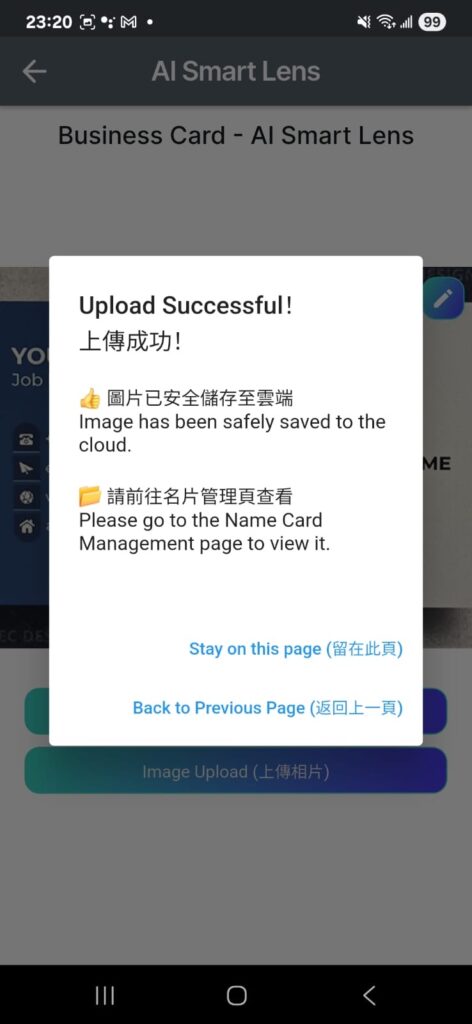
- Improved AI Smart Lens image upload, scanning flow, AI credit display and scan reliability
- Restored rewarded advertisements — earn an additional AI credit after completing an eligible ad; restored relevant banner advertising
- Improved account management, free-plan and AI credit handling, plus clearer version and update handling
- General stability improvements, user-interface refinements, bug fixes and performance improvements
v1.127.0
- You can now access your web version business card directly from the Settings page
v1.126.0
- Added QR Code sharing feature for easier profile sharing
- Fixed errors in certain business card scans
- Improved OCR accuracy and processing speed
Need Help?
If you have any questions about the app, feel free to contact our support team.
support@cardysync.com