Share Your Card, Grow Your Network
Access CardySync on the web. Create a stunning digital business card, share it instantly via QR code, and manage all your contacts anywhere.
Turn Every Introduction Into Your Next Action
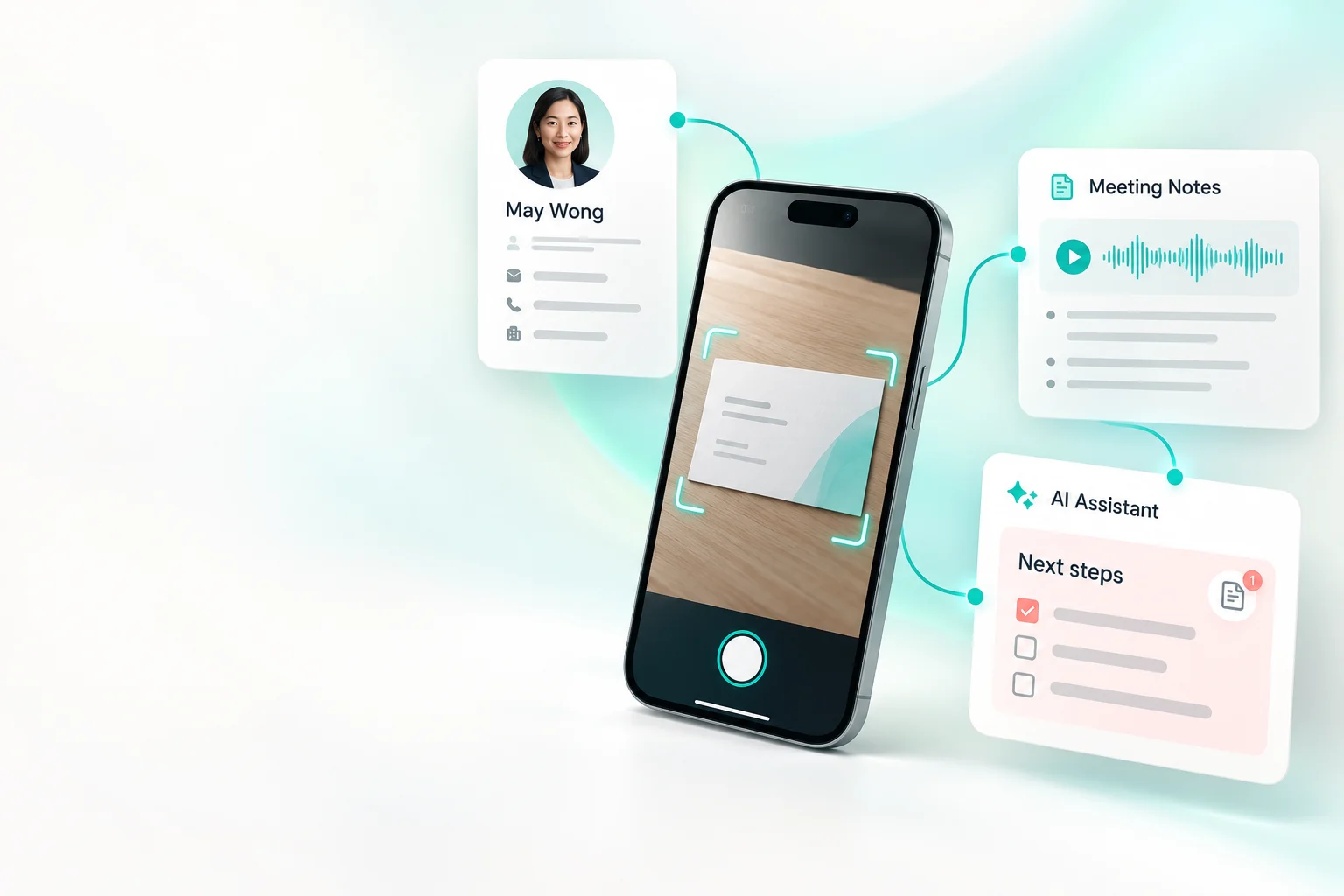
Share your digital card, scan paper business cards, capture meeting notes, and use AI Assistant to organise ideas and prepare your next follow-up—all in one place.
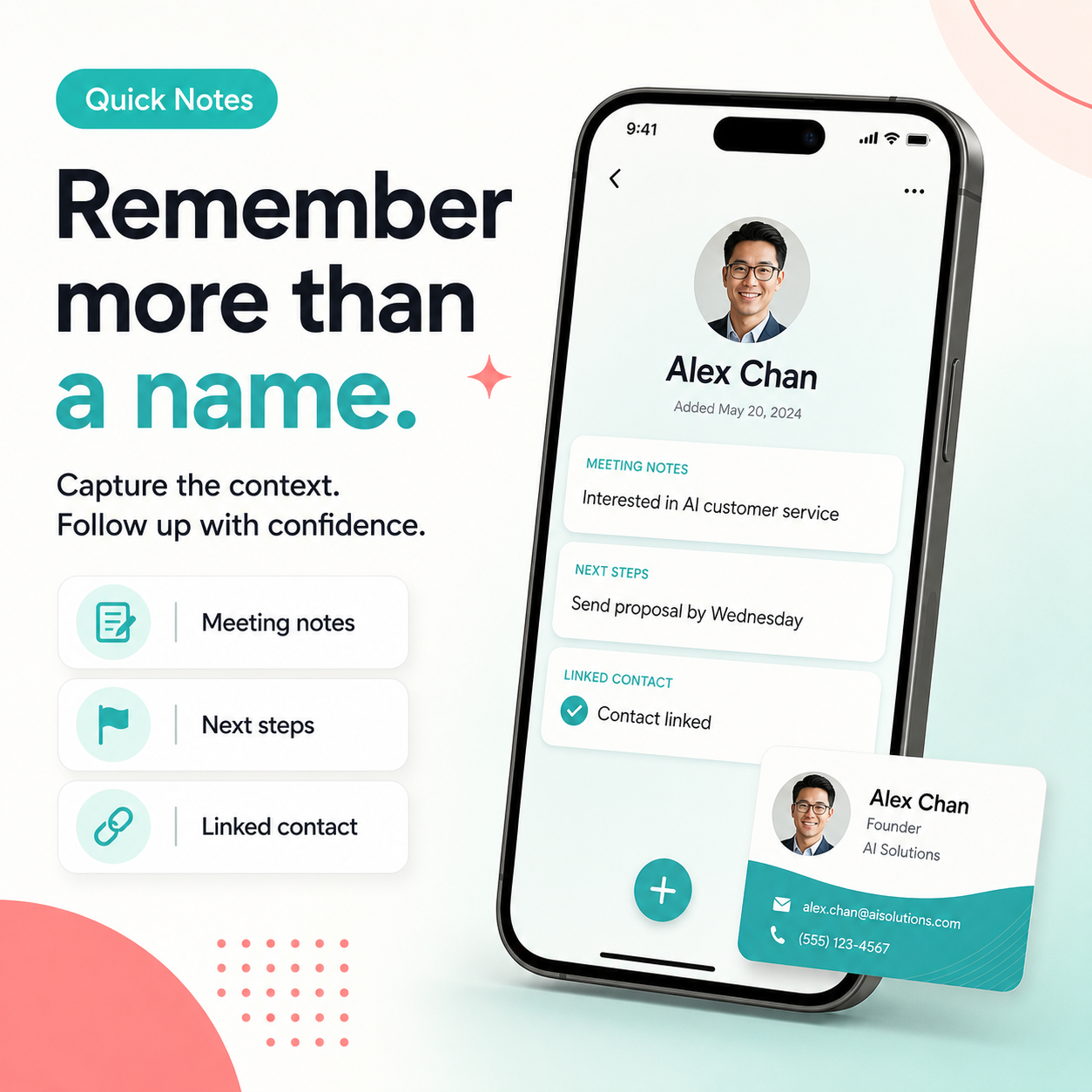
Remember more than a name.
Capture meeting context, customer needs, and next steps—then link everything to the right contact.
- Save important meeting details
- Record clear next steps
- Find the context from the contact
Everything You Need to Network Smarter
From digital cards to OCR scanning — all the tools for modern contact management in one place.
My Digital Card
Design a beautiful digital card with your photo, title, social links, and contact info.
QR Code Sharing
Generate a unique QR code and share your card instantly — no app needed to receive.
OCR Card Scanner
Snap a photo of Traditional Chinese, Simplified Chinese, Japanese, or English business cards and auto-extract names, phones, emails, and companies.
Contact Management
Organise all your contacts with smart tags, notes, and powerful search filters.
AI Assistant
Turn contact context, meeting notes, and everyday questions into practical next steps.
Multi-channel Sharing
Share via WhatsApp, email, or embed your card link anywhere online.
All Your Contacts, Organised
Every card you scan or share gets saved automatically — tagged, searchable, and always up-to-date.
Built for Every Networker
Whether you freelance, go to events, or work remotely — CardySync fits your workflow.
Freelancers
Make a great first impression with a polished digital card for every client meeting.
Events & Networking
Exchange cards at conferences with a single QR code scan — no printing needed.
Remote Workers
Stay connected across borders with shareable digital cards and an always-fresh profile.
OCR Name Card Scanner
Stop typing contact details by hand. Point your camera at any name card and CardySync's AI instantly extracts the name, email, phone, and company — saved to your contacts in seconds.
Printed business cards. Point your camera and CardySync extracts the contact details automatically.
Ready to Ditch Paper Cards?
Start with a simpler way to share your card, scan paper cards, and keep contacts organised.
No credit card required to start.
Why Go Digital?
Always Up-to-Date
Edit anytime
Update your details once — everyone with your card sees the change instantly.
Zero Waste
100% paperless
Never run out of cards again. Share unlimited times at zero printing cost.
Rich Media Links
Portfolio, social, maps
Include your website, social profiles, and location — paper cards can't do that.