1. Open AI Assistant
On Web, sign in and open Dashboard > AI Assistant. On iOS/Android, tap Assistant in the bottom navigation. Your AI Credit balance is shown on the screen and is used when you send a message.
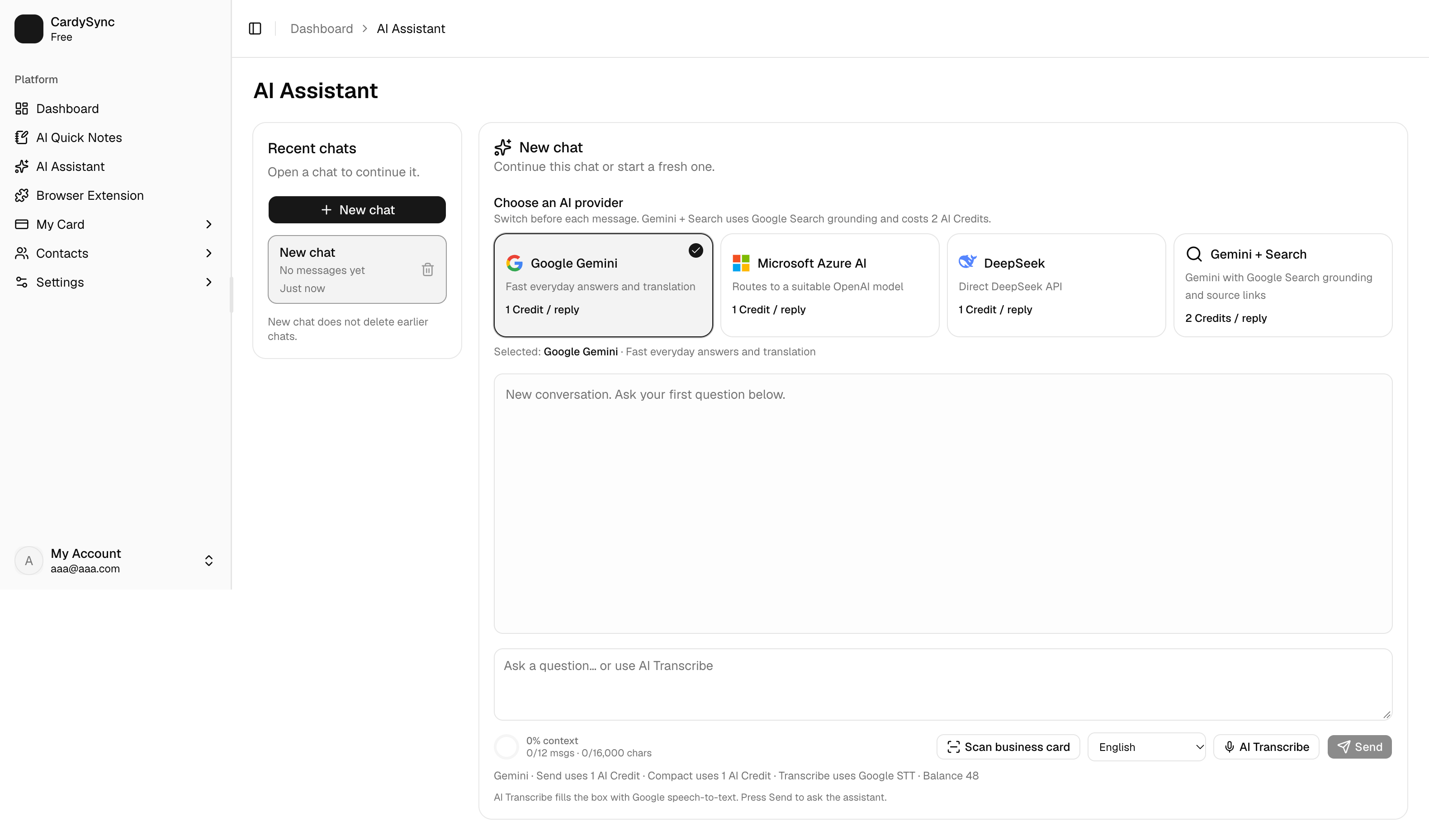
AI Assistant helps you turn contact context, meeting ideas, and everyday questions into practical next steps. You can choose an AI provider for each message, use AI Transcribe instead of typing, and keep separate chats for different tasks.
On Web, sign in and open Dashboard > AI Assistant. On iOS/Android, tap Assistant in the bottom navigation. Your AI Credit balance is shown on the screen and is used when you send a message.
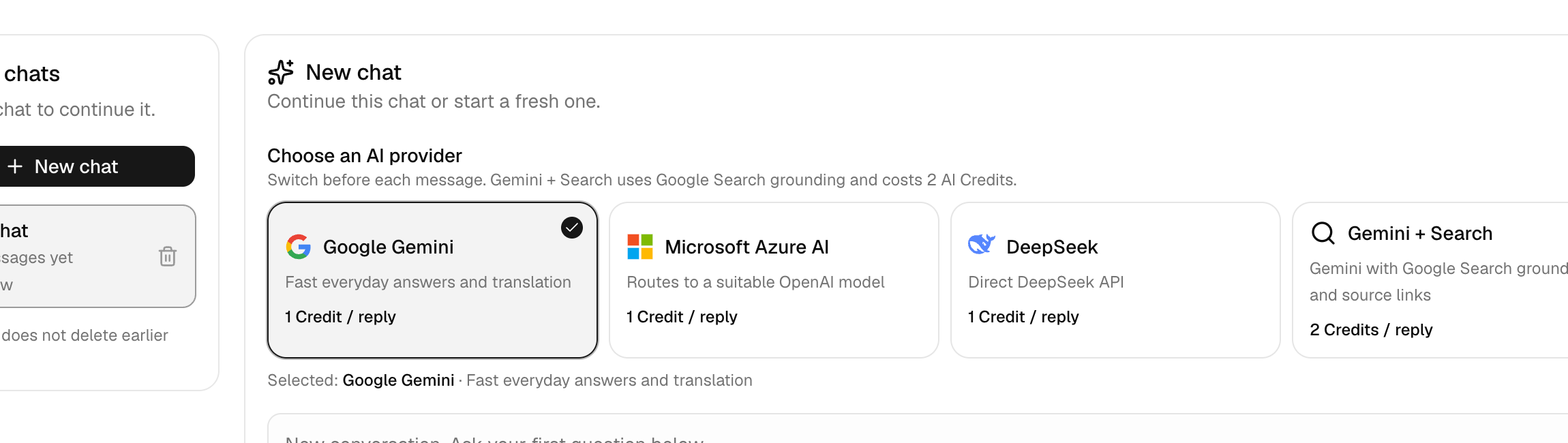
Select the provider that suits the task before sending your message. The provider cards show the credit cost per reply. Gemini + Search can use current web information and costs more credits than a standard reply.
Enter your question in the message box and press Send. On Web, you can also choose AI Transcribe, select the spoken language, record clearly, check the transcript, and then send it to the assistant.
The reply appears in the conversation. When Google Search grounding is used, open the listed sources to verify current facts before relying on them. AI can make mistakes, so review important business, legal, medical, or financial information independently.
Open a chat from Recent chats to continue it, or choose New chat for a separate task. If a conversation is nearly full, use Compact & continue to summarise its context into a new chat. You can also delete conversations you no longer need.
Also see: Download App / What's New