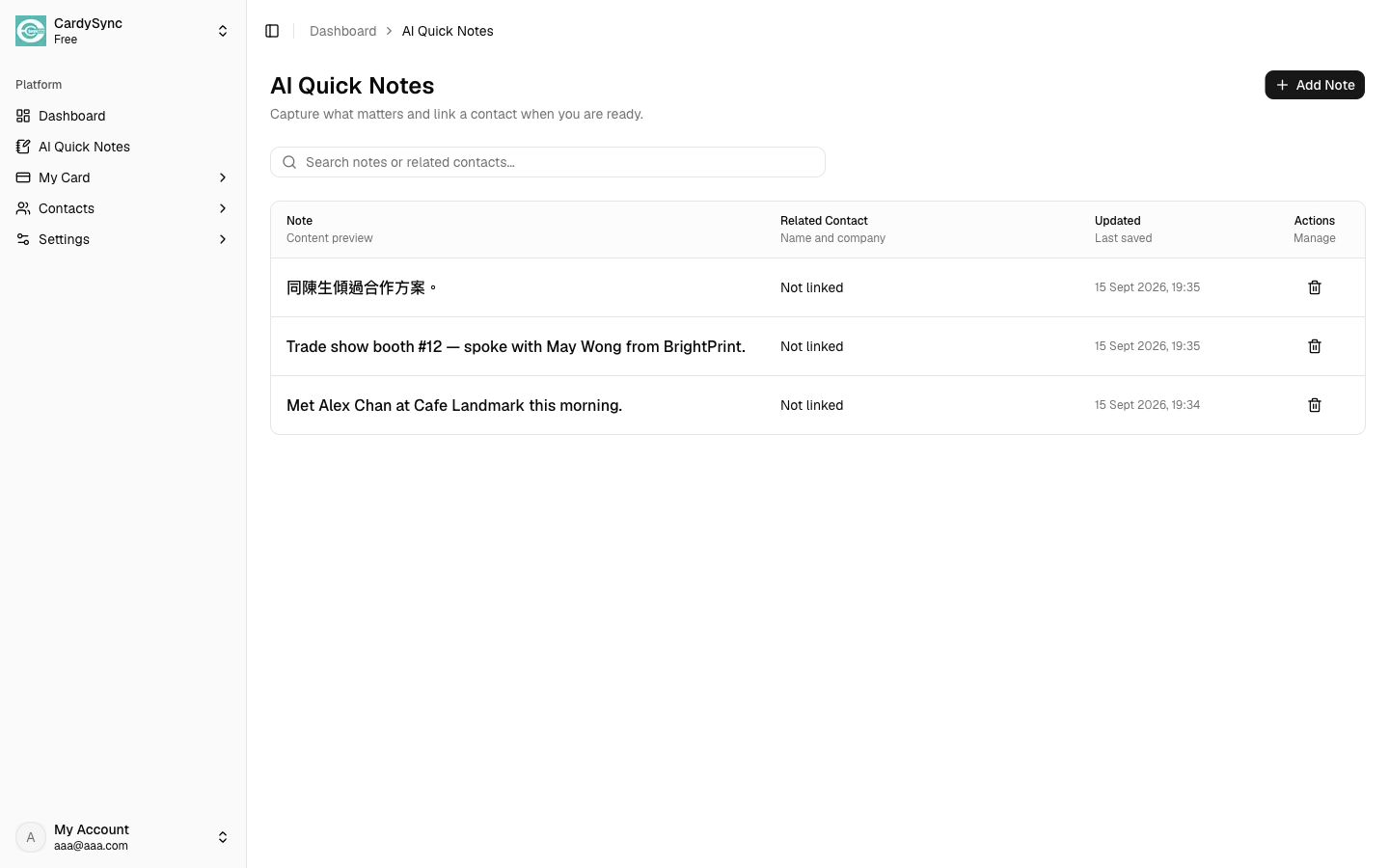
1. Open AI Quick Notes
On Web, open Dashboard > AI Quick Notes. On iOS/Android, tap the Quick Notes tab in the bottom navigation.
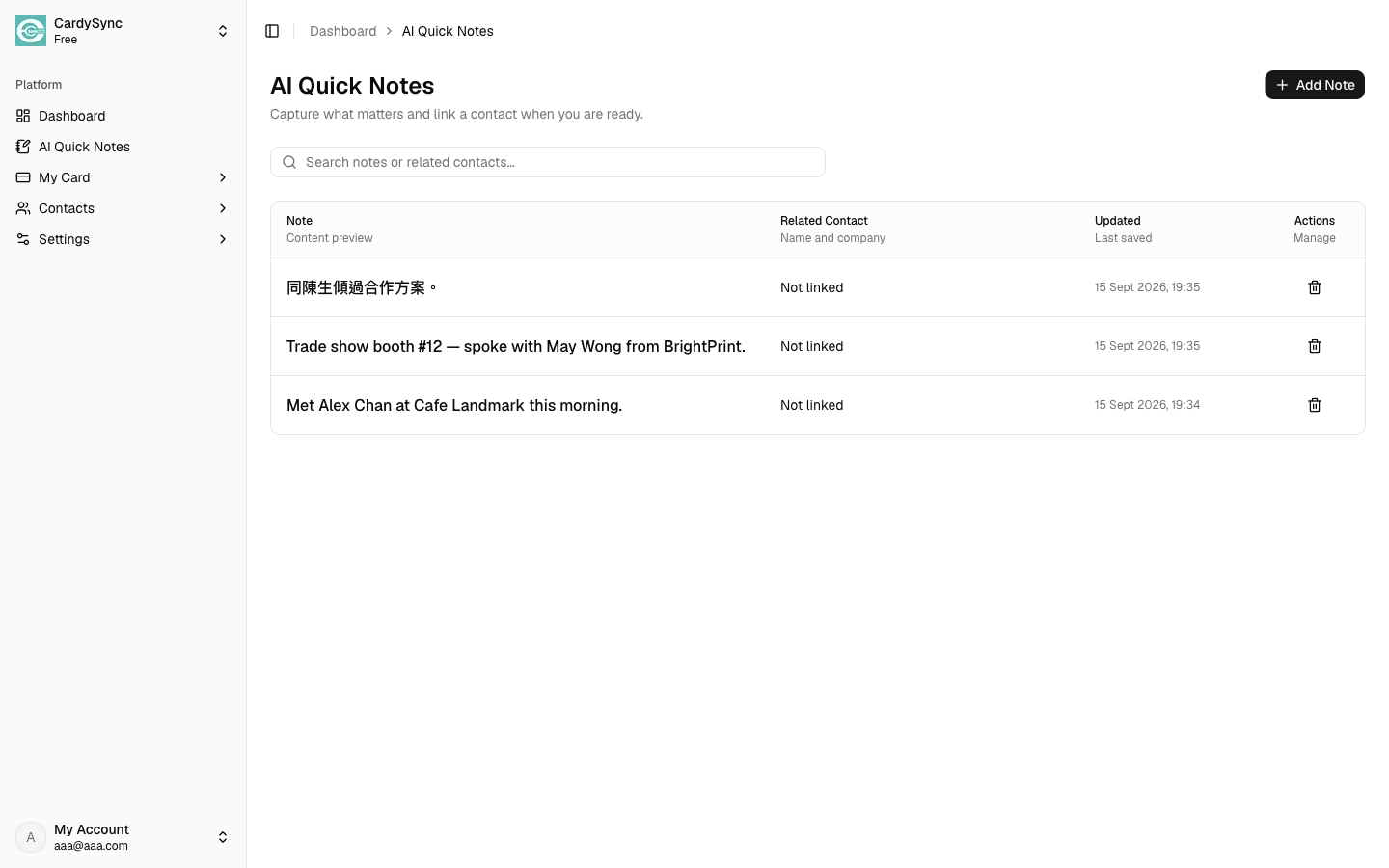
AI Quick Notes helps you save meeting notes, follow-ups, and contact context quickly on Web, iOS, and Android, and keep them synced with your CardySync account.
On Web, open Dashboard > AI Quick Notes. On iOS/Android, tap the Quick Notes tab in the bottom navigation.
Tap New / create a note, then type what you want to remember. You can optionally link an existing contact later.
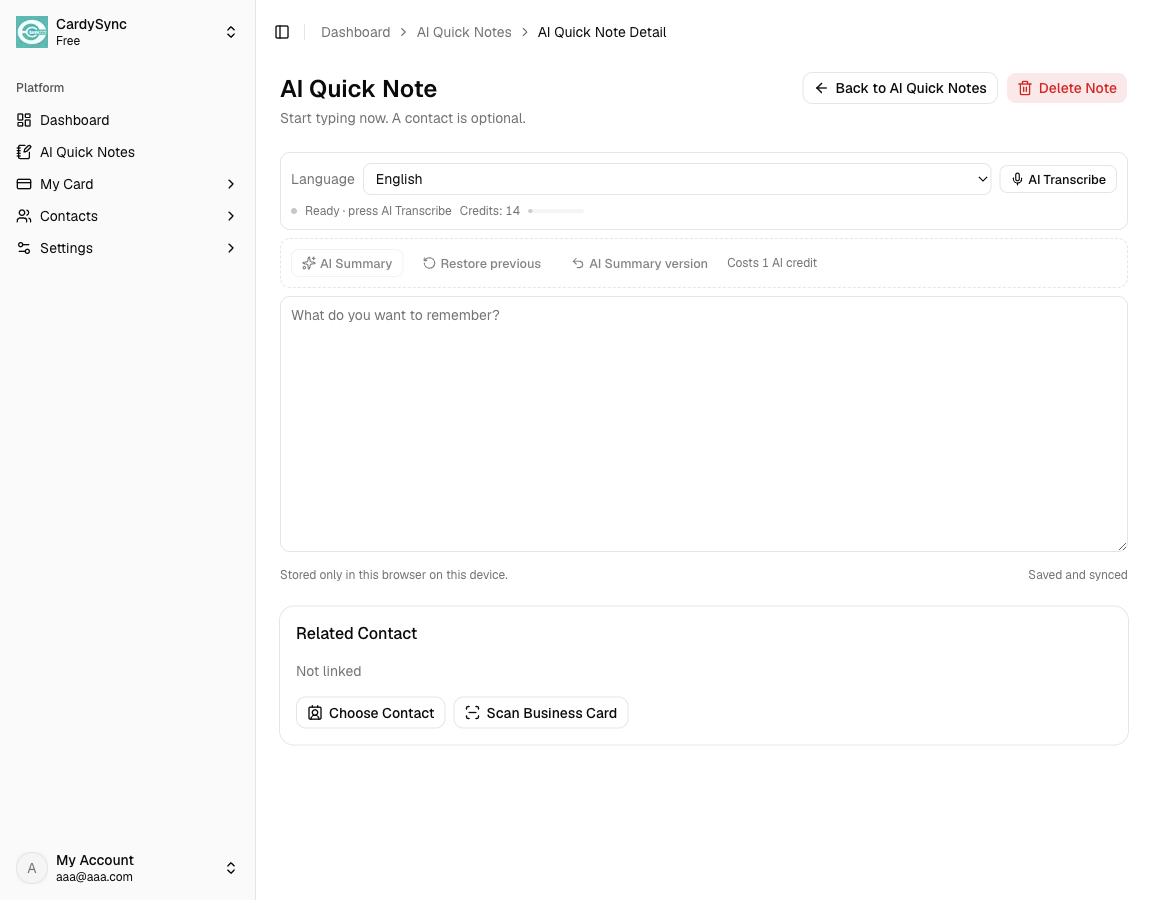
Choose a language (for example Cantonese, Mandarin, or English), tap the microphone, speak clearly for a few seconds, then stop. CardySync sends the clip for speech recognition and inserts the transcript into the note. This uses part of your AI allowance based on the clip length.
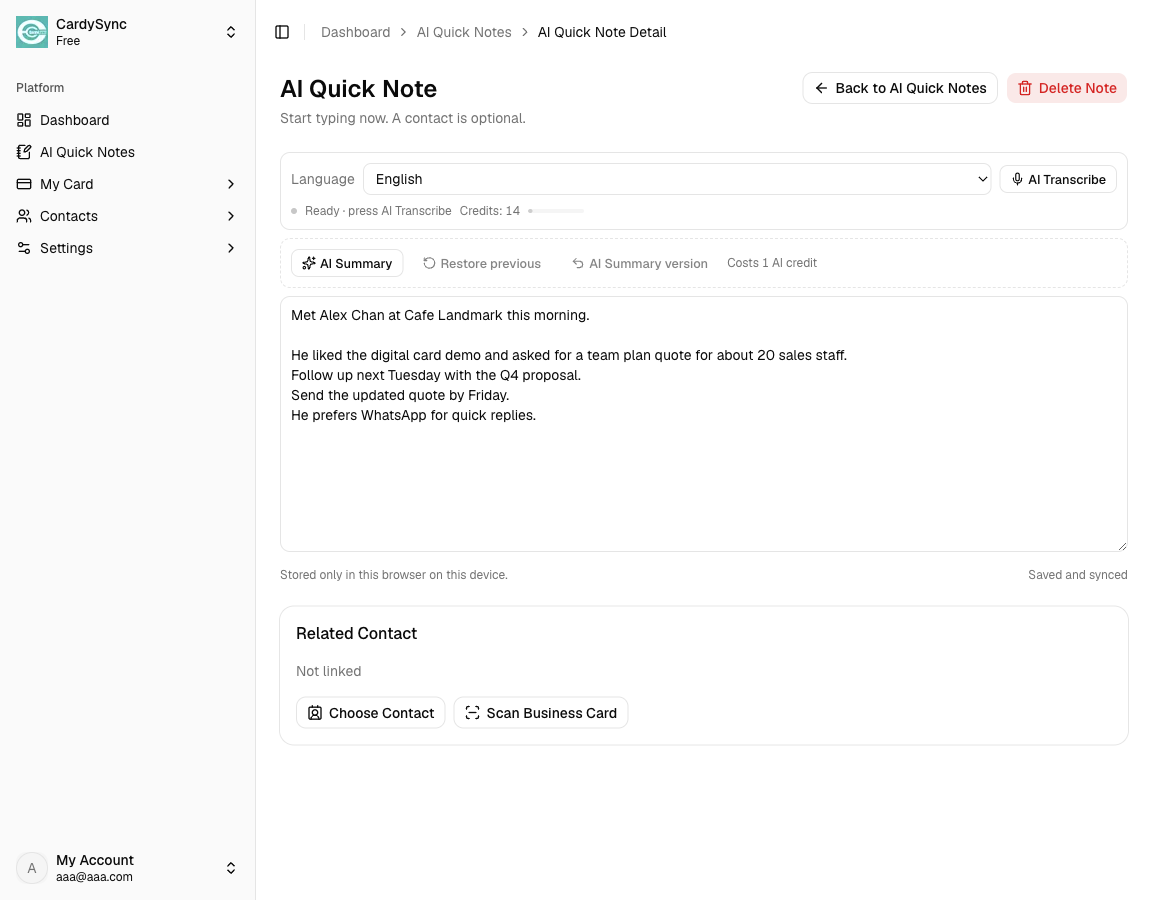
When the note has text, tap AI Summary. CardySync creates extractive key-point bullets from your note and uses part of your AI allowance. You can restore the previous note or the summary version if needed.
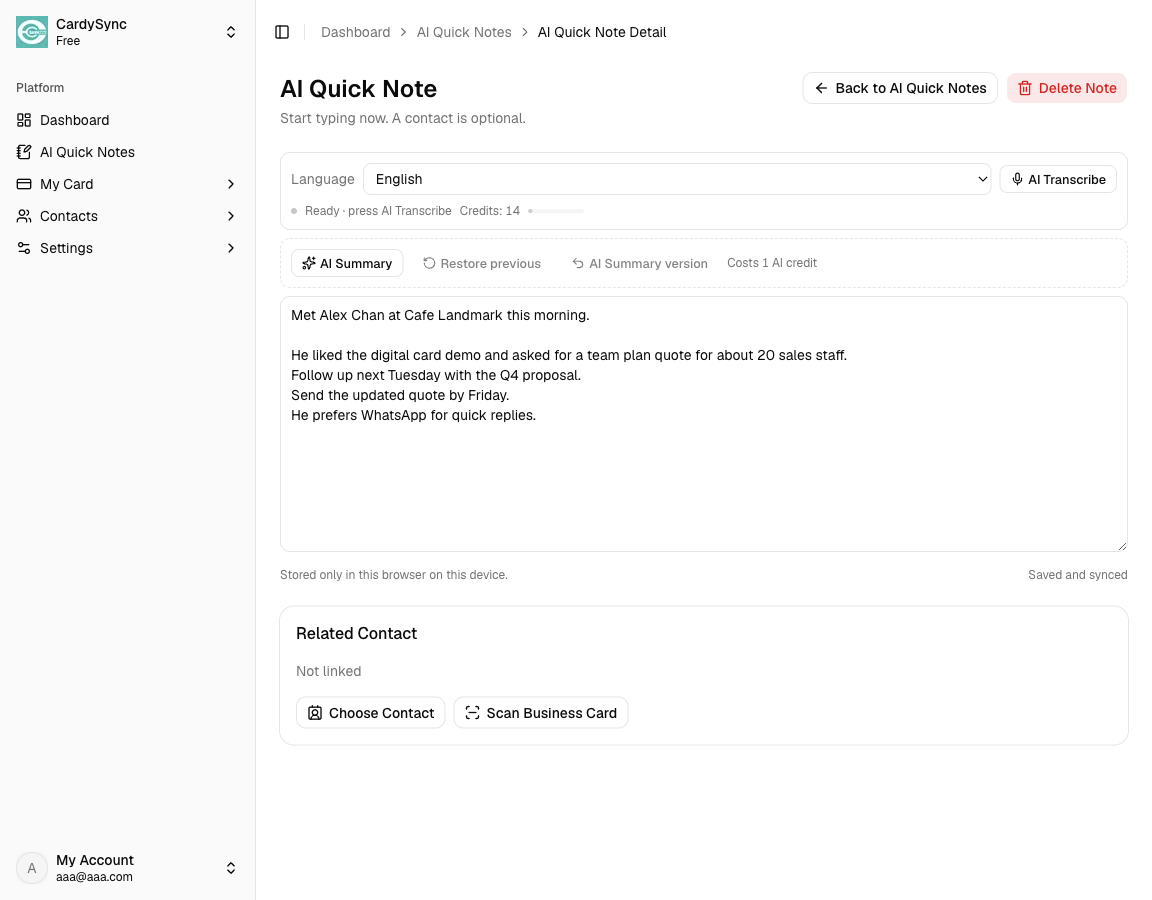
Notes sync with your account. Open the same note again from Web or mobile to continue editing.
Also see: Download App / What's New