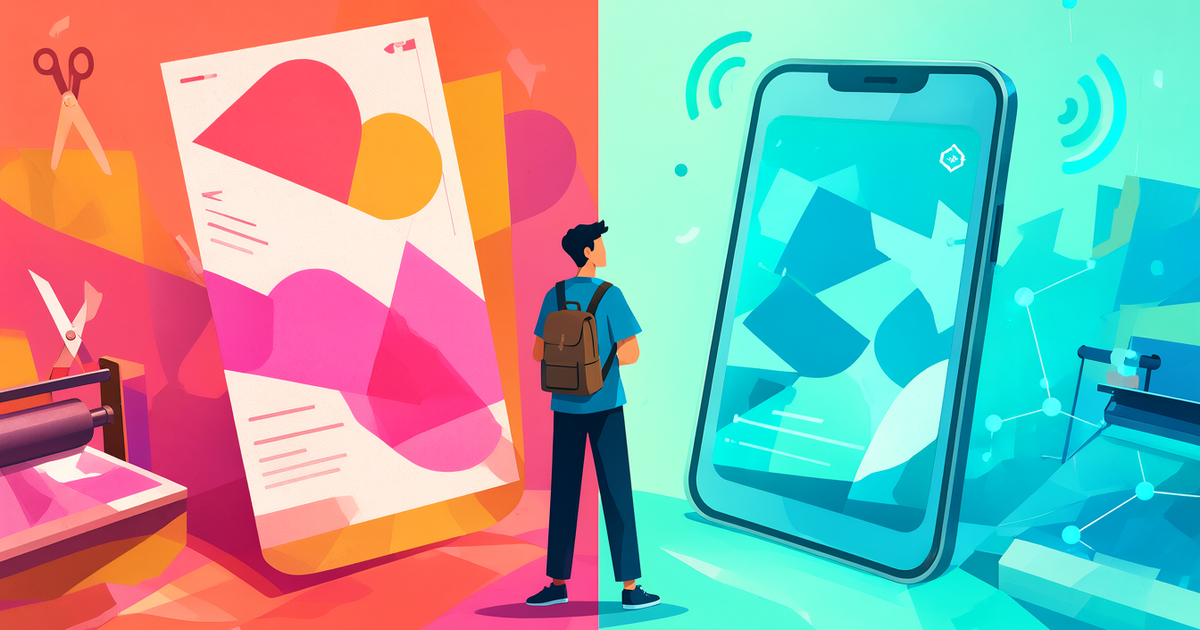
Your First Solopreneur Business Card: Print, Digital, or Both?
20 OCT 2026 · CardySync Team · 9 MIN READ · UPDATED 20 OCT 2026
When you are just starting out—side hustle going full-time, solo consultant, one-person studio—the first decision is rarely a polished website. It is how you hand someone your contact details. Print still feels real in the room. Digital updates the moment your title or offer changes. For a solopreneur, the useful question is not which format wins, but which pain each one solves.
Why the first card feels hard
Budget is tight and your identity may still be in flux. Today you are a “consultant”; next month you add a course or rename the service. A big print run locks yesterday’s wording onto card stock. At the same time, some networking rooms still expect a physical card—showing up with nothing in hand can feel awkward.
So this is not a debate about which technology is more modern. It is about what helps you meet people without burning money or reprinting every time your story shifts.
Print: low cost, but changes are expensive
Public price lists from Hong Kong online print shops (as browsed in October 2026) show that basic colour cards remain cheap. Across several shops, roughly HK$50–115 for about 100 cards and HK$70–280 for about 500 (individual shops’ public prices; paper and finish vary—this is not an official market average). Rush options often add a fixed surcharge such as about HK$100–200 (check each shop’s current list).
That price is appealing when you are starting. The hidden cost is reprinting when phone, title, or services change—especially in the first months after leaving employment. Print works well when your details are stable for a while and you need something to hand over. It works poorly as your only, never-updated identity.
Digital: easy to update—and AI helps you remember the conversation
A digital business card is usually a link or QR code. Someone scans it and gets your name, phone, email, and a short profile. When you change the content, you do not need to recall old stock.
After the exchange, follow-up is the real work. With no assistant typing for you, use the AI tools CardySync already ships:
1. AI Business Card Scanner (OCR): Photograph their printed card. AI OCR extracts name, company, phone, email, and other details (Traditional Chinese, Simplified Chinese, Japanese, and English cards). Open the contact and check the fields—especially phone and email—before you rely on them. 2. Quick Notes + AI Transcribe: Speak for about thirty seconds on what they do, what they care about, and what you promised. AI Transcribe turns speech into text in the note (Cantonese, Mandarin, English, Japanese, Korean, and other languages—11 in total—plus automatic language detection). 3. AI Summary (optional): When the note has text, run AI Summary for extractive key-point bullets—handy when you draft a message later. It lists key points; it is not a long rewritten essay.
Cards stop piling up as a silent stack. You also avoid typing every detail the same night.
A practical mix: a few printed cards plus one always-current digital card
A common setup:
1. Print a small run of basic cards for rooms that expect paper 2. Keep a digital card ready—QR or link on the back of the print, or shown on your phone 3. When you receive a card: scan with AI Business Card Scanner, add a Quick Note via AI Transcribe, and run AI Summary if you want bullets
Paper handles the moment in the room. Digital handles changing identity. AI handles remembering what was said so you can follow up. You do not need five hundred cards to look like a real business.
Try this tonight
・Create a digital card that states the service you actually offer now ・Check any leftover printed cards for outdated phone or email ・Scan one paper card you have: review the extracted fields, record a Quick Note, try AI Transcribe (add AI Summary if you want key points) ・Before your next event, decide how many prints to carry and how you will show your QR
Your first solopreneur card is not about looking big. It is about exchanging cleanly, updating easily, and following up. To try a digital card, AI Business Card Scanner, and Quick Notes, see Download CardySync(/download-app).
- 數碼名片
- 聯絡人整理
- 展覽會
- 名片掃描
- AI OCR